You’ve used ChatGPT to write emails, captions and maybe a quote or two. So the obvious next thought is: can it just build my website too?
Yes, you can build a website with ChatGPT, but not in the way most people picture. ChatGPT doesn’t give you a live website with a web address. What it gives you is the raw material: the words, the page structure and, if you ask, the code. You still need somewhere to put it, a domain name, and someone (you) to decide whether what it wrote will make a stranger contact you.
That last part is where most ChatGPT-made business sites fall down. Not because the writing is bad, but because ChatGPT only knows what you tell it, and most people tell it very little.
In this post I’ll show you the three realistic ways to use ChatGPT for a business website, what each costs and needs, and a step-by-step example for a wedding photographer in Brisbane. I’ll also be clear about when it’s a perfectly good plan.
Key Takeaways
- ChatGPT can write website copy, plan your pages and write the code for a simple site, but it doesn’t host the site or register a domain for you.
- The easiest route for most owners is ChatGPT for the words plus a website builder such as Wix, Squarespace or Framer for the design and hosting.
- Google says AI-generated content should be fact-checked and reviewed by a person before publishing, including titles and image alt text.
- ChatGPT writes from your prompt, so a vague prompt gives you a generic site; feed it your real customers, prices, proof and next step.
- It’s a sensible choice for a side project, a new idea or a tight budget; for a site that has to bring in clients, the thinking matters more than the tool.
Can You Really Build A Business Website With ChatGPT?
You can build most of a business website with ChatGPT: it can draft every page’s text, suggest the structure and write the code for a simple one-page site. What it can’t do on its own is put the site on the internet, connect your domain or make sure the forms actually deliver messages to you.
Think of ChatGPT as a fast, tireless assistant who has never met your customers. It will happily produce a “Home, About, Services, Contact” website for any business in the world. Making it yours is still your job, and it’s the same gap I describe in my comparison of web designers and AI website builders.
Three Ways To Use ChatGPT For Your Website
There are three realistic routes, and they suit very different people.
1. ChatGPT For The Words, A Website Builder For The Rest
This is the route I’d recommend to most small business owners. You use ChatGPT to plan the pages and draft the text, then paste it into a builder like Wix, Squarespace or Framer, which handles the design, hosting and domain.
It’s the least technical option, and you can change anything later without touching code.
2. ChatGPT Writes The Code, You Host It
You ask ChatGPT for the HTML and CSS (the code a web page is made of) for a one-page site, save it as files and upload them to a hosting service. It’s cheap and fast if you’re comfortable with files and settings.
The catch is everything around the page: the contact form needs a service to send the messages to your inbox, the site needs security updates if it grows, and every change means editing code. Fine for a tinkerer, painful for a busy photographer in peak season.
3. An AI Coding Tool That Builds From Chat
Tools such as Lovable and v0 work like ChatGPT but build the site itself as you chat. They’re powerful and move fast. They also assume you’ll learn a bit about how websites are put together, and they cost more once you outgrow the free tier.
Which Route Suits You?
Here’s a side-by-side view of the three routes.
| Route | Best for | Skills needed | Ongoing work | What you still have to do |
|---|---|---|---|---|
| ChatGPT words + website builder | Most service businesses | Copy, paste, drag and drop | Low; edit in the builder | Real photos, proof, the next step, a domain |
| ChatGPT code + your own hosting | Tinkerers, one-page sites | Comfortable with files and settings | Medium; every change is code | Hosting, forms, security, backups |
| AI coding tool (Lovable, v0) | People happy to learn a little | Some technical patience | Medium | Deploying, maintaining, checking the code |
If you’re unsure, choose the first row. You’ll get online fastest and you won’t paint yourself into a technical corner.
What ChatGPT Can’t Do For Your Website
ChatGPT is good at producing text and code. It can’t stand in for the parts of a website that depend on knowing your business. Here’s what stays on your plate:
- Know your customers. It doesn’t know who books you, what they worry about or who they compare you with, unless you tell it.
- Supply your proof. It can’t take your photos or vouch for your reviews. If it invents a review or a statistic, that’s a problem, not a shortcut.
- Check its own facts. It can state a wrong price, a wrong suburb or a service you don’t offer with total confidence.
- Host the website or register the domain. You need a builder or a hosting account, and a domain in your own name.
- Make the forms work. A form that looks right but never reaches your inbox is worse than no form.
- Decide what the visitor should do. One clear next step is a business decision, not a writing task.
On the fact-checking point, Google is direct. Its guidance on generative AI says “It is critical to manually factcheck and review all AI-generated content for accuracy and trustworthiness before publishing”, and that applies to page titles, descriptions and image alt text too (Google Search Central guidance on using generative AI content).
A Worked Example: A Wedding Photographer In Brisbane
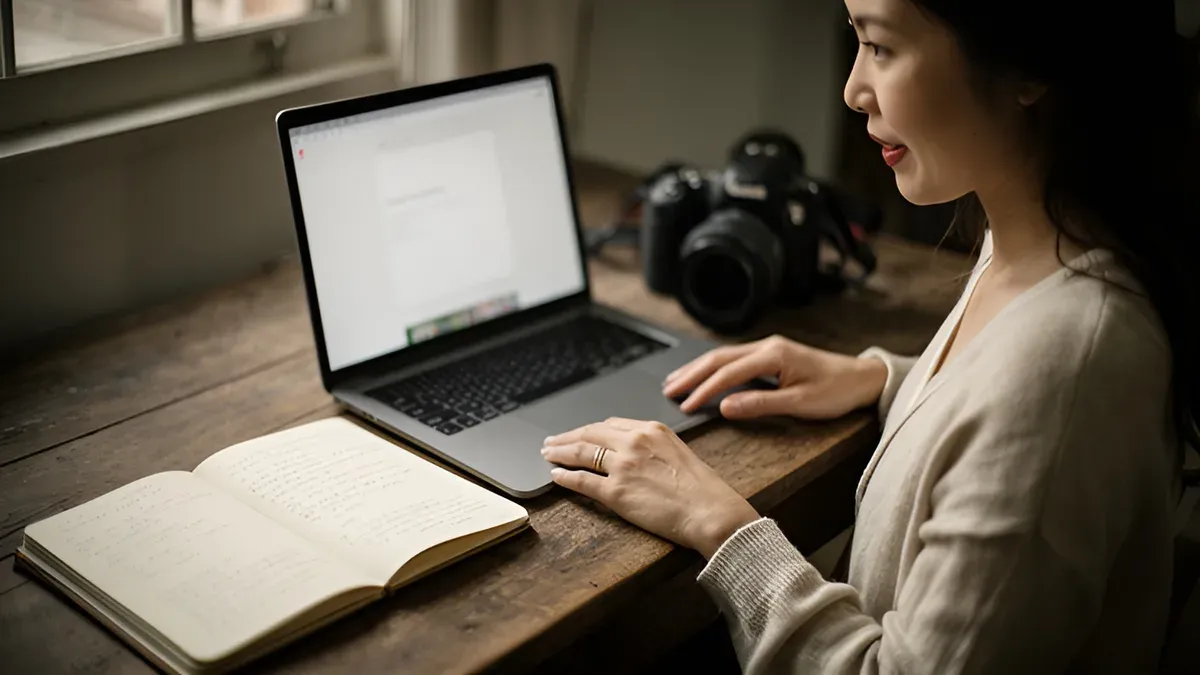
Say you’re a wedding photographer in Brisbane. You’ve been getting work through Instagram and referrals, and couples keep asking for “your website”. You have a weekend and no budget. Here’s how I’d do it with ChatGPT.
Step 1: Write a brief before you write a prompt. Ten minutes with a notepad: who books you (couples marrying in South East Queensland, often outdoor or hinterland venues), what they worry about (you missing key moments, how long the photos take, the total price), what you charge (your real packages) and what you want them to do (check your date).
Step 2: Ask ChatGPT for the structure, not the copy. Paste your brief and ask: “Plan a one-page website for this business. List the sections in order, with what each one must prove to a couple who has never heard of me.” You’ll get a sensible outline: headline, a gallery, how you work on the day, packages, real couple stories, your date-check form.
Step 3: Ask for the words one section at a time. Section by section gives far better results than “write my website”. Tell it the tone (“warm, plain, Australian English, no clichés”) and to use only the facts in your brief.
Step 4: Cut and correct. Delete every line that could be on any photographer’s site (“capturing your special moments”). Fix any detail it got wrong. Replace anything it invented with something true.
Step 5: Build it in a website builder. Pick a clean, photo-led template, paste in your sections and use your own best photos, not stock.
Step 6: Make the next step obvious. One “Check My Date” button near the top and again at the bottom, a form with four fields (names, wedding date, venue, email), and your Instagram linked for the full portfolio.
Step 7: Test it on your phone. Send yourself an enquiry. If it doesn’t arrive, nothing else matters.
That’s a credible, useful website for very little money. If couples visit and still don’t enquire, the checks in what usually goes wrong when a site gets traffic but no enquiries are the next step.
When Building With ChatGPT Is The Right Call
Building it yourself with ChatGPT is a perfectly good plan in plenty of cases. I’d do it if:
- You’re testing a new business and don’t know yet if it will work.
- Your budget is under about USD 300 in total.
- You enjoy writing and tinkering, and have the time.
- The site is a side project or a hobby, not your main source of clients.
- You mainly need a link to put in your bio that looks legitimate.
Where it gets expensive is when your main business depends on the website and it quietly doesn’t bring in work. The hours you spend tweaking prompts and templates add up, and a website that looks fine but doesn’t get enquiries costs you clients you never hear about.
What To Do Next
Try the seven steps above. If the result brings in enquiries, you’ve saved real money, and I mean that.
If you’d rather see what a designer would do with the same business first, my Free Website Approach lets you do exactly that. We design your one-page website for free, and you only pay if you like it: USD 97 a month, including hosting, maintenance and one hour of edits a month, with no minimum term. If you don’t like it, you owe nothing.
It isn’t for you if you want to build and edit everything yourself, and that’s fine. ChatGPT and a good builder will get you a long way.
FAQ
Can ChatGPT Make A Website For Free?
ChatGPT can write the text and code for free, but a business website still needs a domain name, which costs money every year, and somewhere to host it. Some builders have free plans, though they usually show their own branding and don’t connect your own domain.
Is A Website Made With ChatGPT Bad For SEO?
Not because ChatGPT wrote it. Google judges content by quality, not by how it was made, but it says AI content should be checked by a person for accuracy before publishing. Generic, unchecked text is what hurts, because it gives Google nothing better than thousands of similar pages.
What Should I Tell ChatGPT Before It Writes My Website?
Who your best customers are, what they worry about before they contact you, what you charge, where you work, what proof you have and the one action you want visitors to take. The more real detail you give it, the less generic your website with ChatGPT will sound.
Can ChatGPT Host Or Publish My Website?
No. ChatGPT produces text and code, but it doesn’t put a website on the internet under your domain. For that you need a website builder or a hosting account, plus a domain registered in your own name.